Menu
Shopping Cart
Close

Pop Up Banner Templates: Fast-Track Your Next Display Design

Rushing to get ready for a trade show, networking event or in-store promotion, but your banner artwork isn’t ready? Pop up banner templates let you skip blank-page panic and plug your message into a layout that’s already sized, aligned and print-ready.

Using a pop up banner template means you start with professionally built artwork that already matches typical roller banner sizes and resolution. Instead of wrestling with margins, bleeds and font pairing, you simply edit the text, colours and images. For small businesses without in-house designers, this shortcut can shave days off your pop up banner design process.

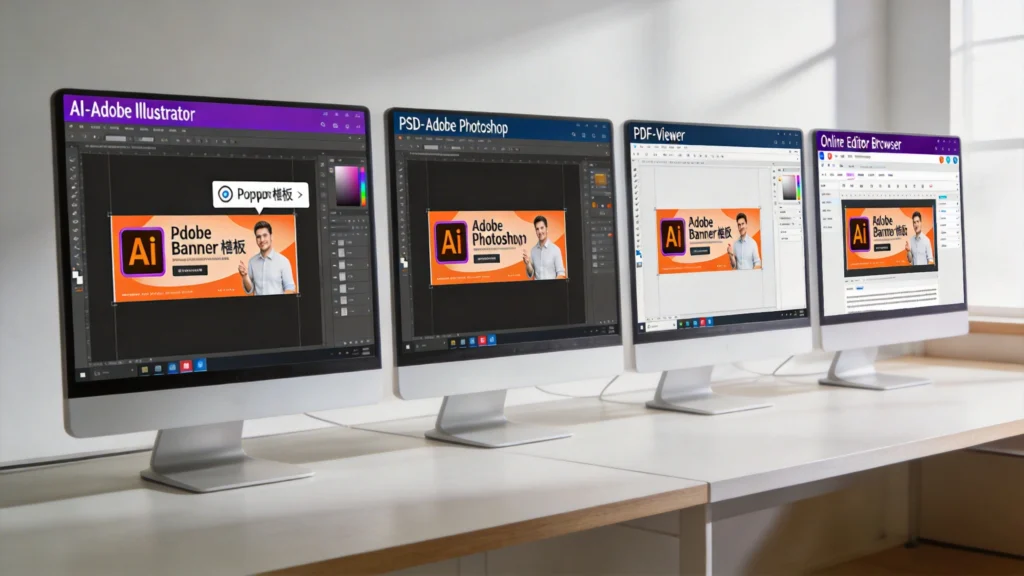
Templates are especially helpful when you need consistent branding across multiple events or locations. You can duplicate one base design, then swap offers, dates or venues in minutes. With most suppliers offering AI, PSD, PDF or online editor formats, you can pick an option that matches your software skills and budget while still achieving polished, print-ready pop up banner designs.

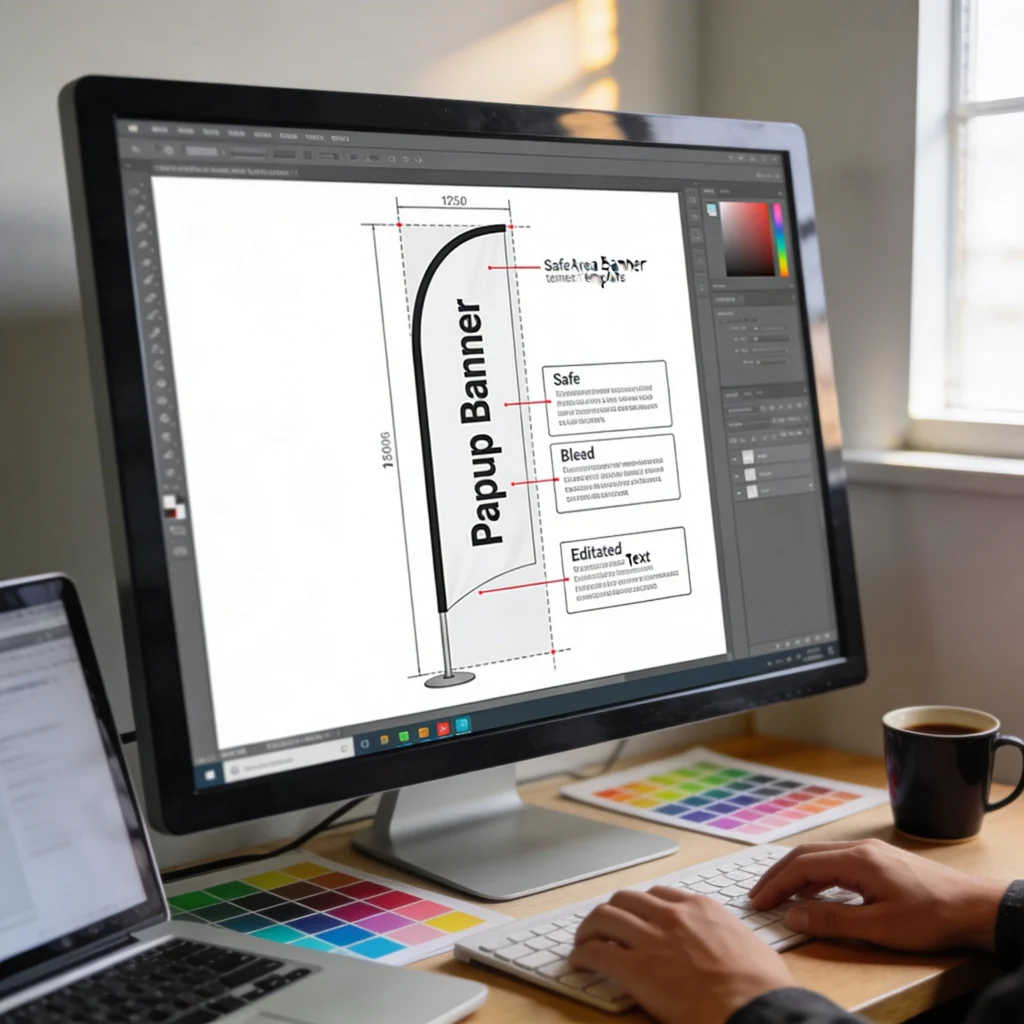
Used correctly, templates don’t make your display look generic. They act like scaffolding, keeping critical elements aligned and legible while you customise the content. The key is understanding how template layers, safe zones and bleed areas work, so your final pop up banner template exports smoothly and prints exactly as your screen preview promises.

1
pop up banner template

What Is a Pop Up Banner Template and When Should You Use One?

What Is a Pop Up Banner Template and When Should You Use One?

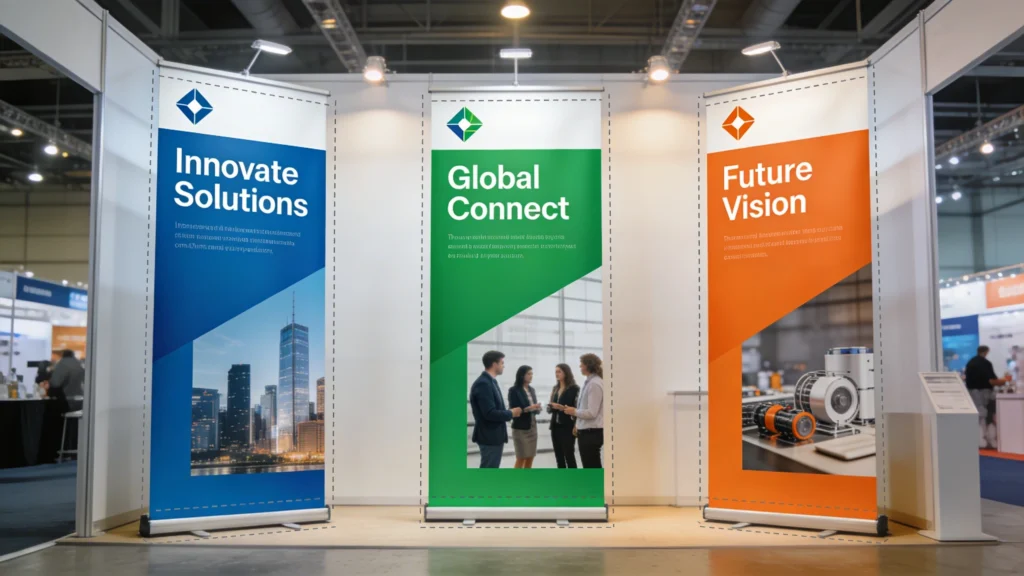
A pop up banner template is essentially a pre-built layout designed to standard roller banner sizes, complete with safe areas and bleed already in place. It’s ideal when you need to move quickly or lack in-house design skills, because you simply adjust the existing structure rather than building everything from scratch.

A pop up banner template is a pre-sized design file built to match common roller banner dimensions, such as 800 × 2000 mm or 850 × 2150 mm. It includes bleed, safe areas, and placeholder text or images. Instead of building guides and grids manually, you open the file and immediately start inserting your own branding, offers and event information.

How Pop Up Banner Templates Work in Practice

Most templates are layered files, where background graphics, photos and text sit on separate layers for easy editing. A designer has already configured resolution at 150–300 dpi, colour mode to CMYK, and bleed margins around 3–5 mm. You simply unlock the appropriate layers, replace dummy content and export a high-resolution PDF that your printer can accept without extra prepress adjustments.

Best Situations for Using a Template

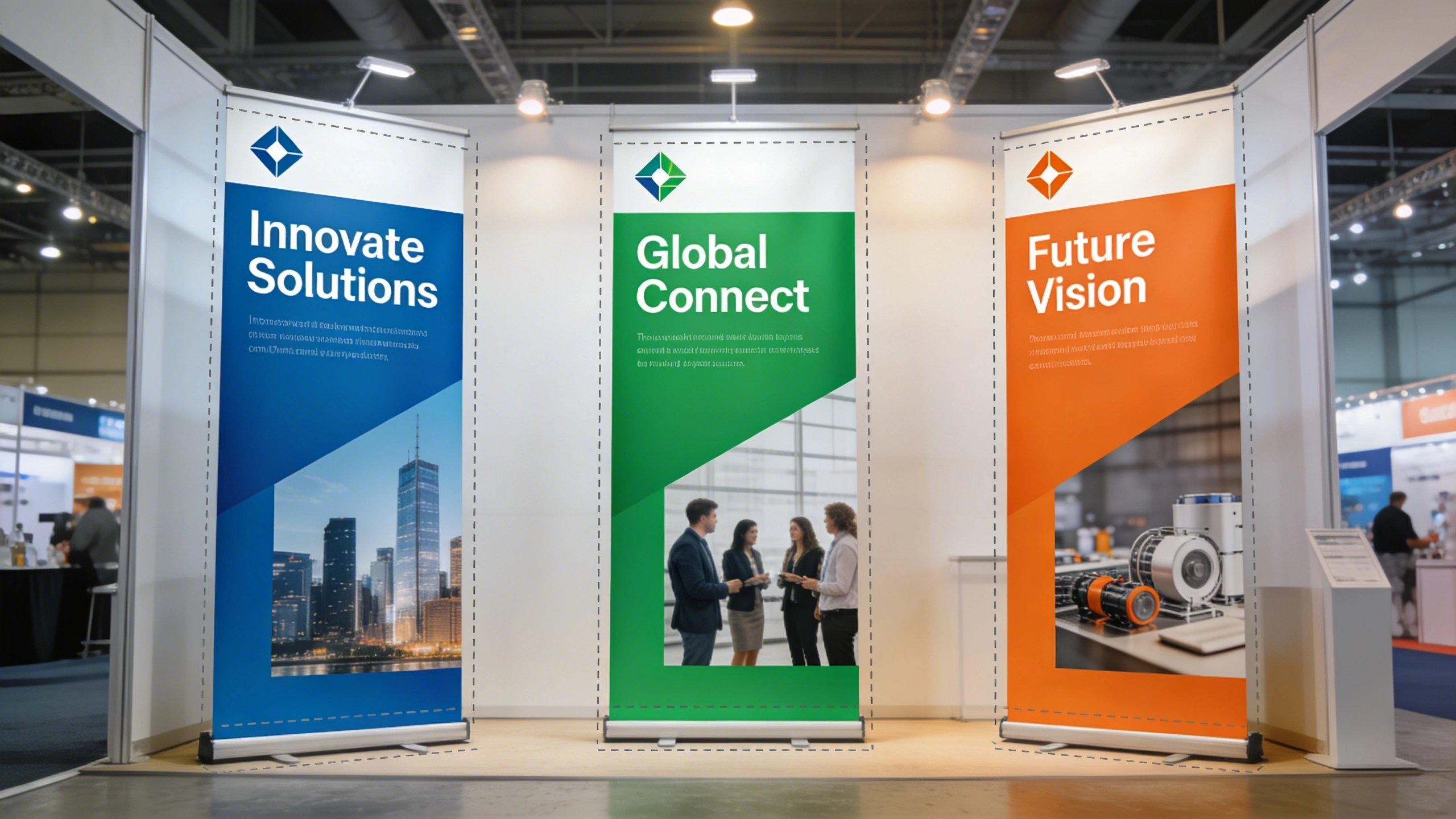
Templates shine when you face tight deadlines, limited design skills or frequent content changes. For example, a small retailer running monthly in-store promotions might reuse the same pop up banner design structure, only changing prices and product photos. Likewise, exhibitors booking last-minute trade show space often rely on templates to get approval-ready artwork within a single afternoon.

2

Top Types of Pop Up Banner Template Files (AI, PSD, PDF and More)

Pop up banner template files come in several formats, each tied to specific software and editing flexibility. Choosing the right one depends on whether you own Adobe software, use free tools like GIMP, or prefer browser-based editors. Understanding these differences prevents you from downloading a template that you cannot open or that limits how deeply you can customise your pop up banner design.

Top Types of Pop Up Banner Template Files (AI, PSD, PDF and More)

Once you’ve chosen a pop up banner template, customisation is all about aligning it with your brand. Replacing placeholder logos, applying your colour palette and selecting on-brand fonts ensures consistency across events. Updating offers, dates and locations then becomes a quick, repeatable task instead of a full redesign every time.

Comparing Common Template File Formats

The table below outlines typical formats used for pop up banner templates, including which software opens them and how editable they are. Vector-based formats such as AI or EPS scale cleanly to large sizes without pixelation, which matters for 2-metre-high graphics. Raster-based PSD files can still work well if created at 150–300 dpi at full size.

Format Main Software Best For Edit Flexibility Typical Use
AI Adobe Illustrator, Affinity Designer Vector graphics and logos Full layer, colour and text control Professional print-ready pop up banner template
PSD Adobe Photoshop, Photopea Photo-heavy designs Layered editing with effects Product or event photography banners
PDF Illustrator, InDesign, Acrobat Final artwork or minor edits Limited, depends on creation Printer-supplied size templates
EPS Illustrator, CorelDRAW Scalable vector layouts Good, fewer modern features Simple logo and text banners
INDD/IDML Adobe InDesign Text-heavy layouts Advanced typography controls Conference schedules or agendas

When you lack Adobe software, look for templates compatible with free tools like Canva, Photopea or Inkscape. Many printers now supply layered PDFs designed to be edited in Illustrator or Affinity Designer, which costs around £60 as a one-off licence. Vector formats ensure your text remains razor sharp on tall banners viewed from several metres away on busy exhibition floors.

3

Best Places to Find Free and Paid Pop Up Banner Template Designs

Best Places to Find Free and Paid Pop Up Banner Template Designs

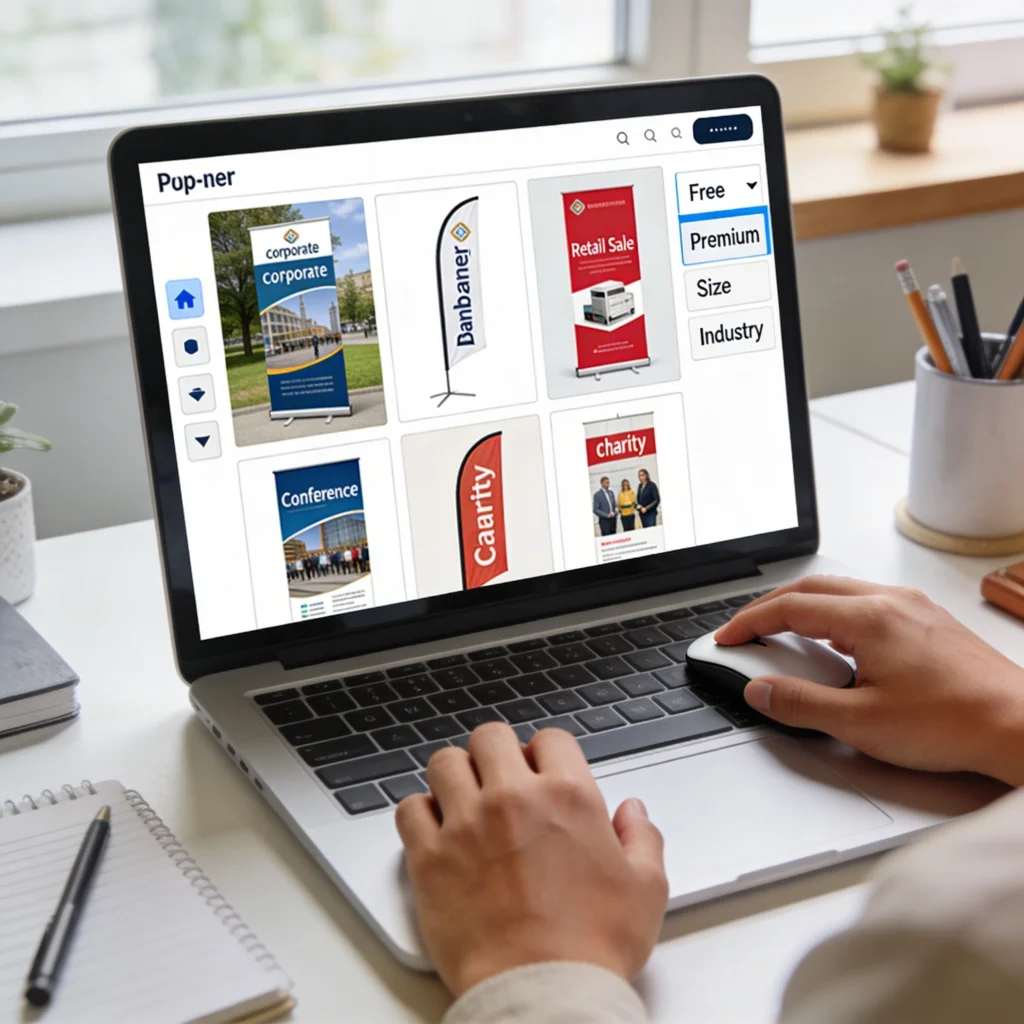
There are countless places to source pop up banner templates, from free design libraries to premium marketplaces curated by professional studios. Browsing by industry, style or size helps you quickly narrow down options, so you can start from a layout that already feels close to your brand and campaign goals.

Finding the right pop up banner template is easier when you know which platforms specialise in large-format layouts. Some websites focus on free resources, while others bundle templates with printing services. Balancing cost, licence terms and editing flexibility helps you avoid hidden restrictions, such as not being allowed to resell designs or use them for client projects.

Where to Source Reliable Templates

Several online marketplaces and printers curate pop up banner designs sorted by industry, size and orientation. Many UK printers, such as Solopress, instantprint and Tradeprint, provide free downloadable templates that match their exact hardware. Design marketplaces like Envato Elements or Creative Market charge monthly or per-template fees, but you gain access to hundreds of coordinated banner sets.

  • Printer websites often host free 800 × 2000 mm templates with correct bleed and safe area for their specific stands.
  • Envato Elements offers unlimited banner downloads from around £14 per month, ideal for frequent event marketers.
  • Canva includes pre-sized roller banner layouts editable in-browser, useful for non-designers using drag-and-drop tools.
  • Creative Market sells individual AI and PSD pop up banner designs, typically £8–£20 per template with commercial rights.
  • Freepik provides free and premium vector banners, though attribution or extended licences may be required for commercial use.

Whenever you download, check licence details carefully. Some free templates allow personal use only, which is fine for school fairs but not for paid trade shows. Also confirm the template’s size matches your preferred hardware: 850 × 2150 mm is common in the UK, but some stands use 1000 mm widths or shorter 2000 mm heights for tighter venues.

4

Customising a Pop Up Banner Template with Your Branding

Once you’ve chosen a pop up banner template, the real value comes from tailoring it to your brand’s colours, fonts and imagery. Customisation should preserve the underlying structure—logo placement, headline size and safe zones—while swapping generic assets for your own. This approach maintains professional balance and hierarchy, avoiding cluttered layouts that confuse visitors from a distance.

Customising a Pop Up Banner Template with Your Branding

Pop up banner templates typically come in several file formats so you can work with the software you already know. AI and PSD files suit designers who want full creative control, while PDFs and browser-based editors are perfect for quick edits, ensuring almost anyone can produce print-ready artwork without specialist tools.

Applying Colours, Fonts and Logos Correctly

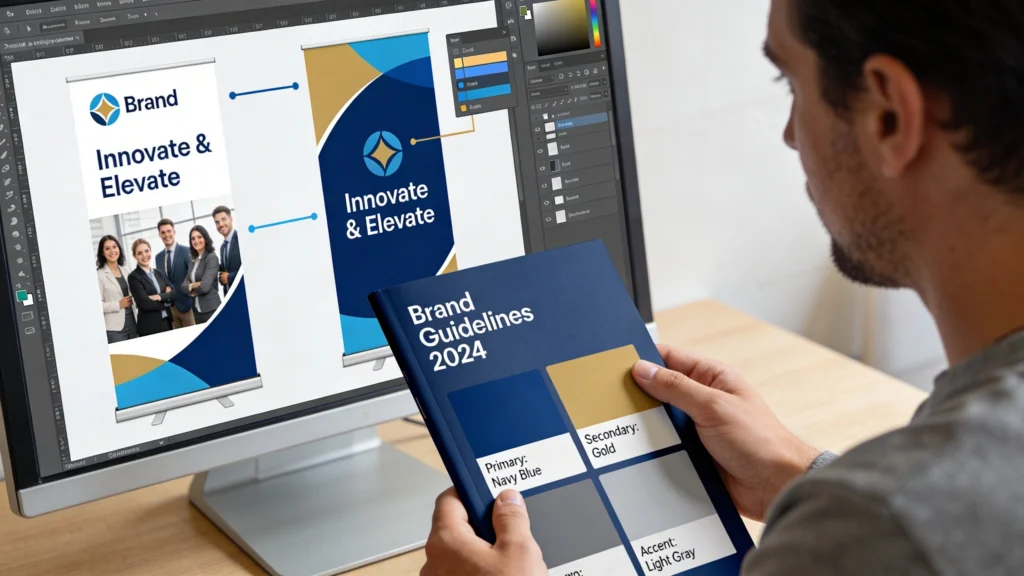
Start by updating colours to match your brand palette, using precise HEX or CMYK values from your style guide. Replace placeholder fonts with your approved typefaces, but keep similar weights and sizes to retain readability at 2–3 metres. Import your logo as a high-resolution PNG or vector file, ensuring it sits in the top section where sightlines are clearest in busy venues.

Swapping Imagery Without Breaking the Layout

When replacing stock photos, match the original aspect ratio to avoid stretching or cropping important elements. Use images at least 150 dpi at final print size; for an 800 × 2000 mm banner, that means approximately 4724 × 11811 pixels. Keep key faces or products above the midline, as lower sections may be obscured by tables, counters or passing crowds during events.

5

Checking Pop Up Banner Template Sizes Before Sending to Print

Even the best pop up banner template can fail if it doesn’t match your printer’s exact specifications. Size mismatches lead to cropped logos, blurry text or white borders at the top and bottom of your stand. Verifying dimensions, bleed and safe areas before exporting your final file ensures your pop up banner designs translate perfectly from screen to physical hardware.

Checking Pop Up Banner Template Sizes Before Sending to Print

Comparing Template Specs with Printer Requirements

Before editing, download your printer’s artwork guide, which usually lists visible area, total size and bleed. Cross-check these numbers against your template using the document settings panel. A typical 800 × 2000 mm banner might require 3 mm bleed on all sides, resulting in an 806 × 2006 mm file. If values differ, adjust the canvas or switch to a printer-supplied template.

Always confirm three numbers: overall document size, visible print area and top “drop” margin hidden inside the cassette. Misjudging the hidden section can slice through website addresses or call-to-action text, turning an otherwise polished pop up banner design into an expensive, unreadable strip of colour.

Ask your printer which file formats they prefer; many request high-resolution PDFs with fonts embedded and colours in CMYK. Export at 150–300 dpi, avoiding compression settings that downscale images. If you’re unsure, send a low-resolution proof first for a quick check. Spending ten extra minutes on verification can prevent reprints that cost £40–£80 per banner plus shipping.

6

Common Mistakes When Editing a Pop Up Banner Template

Common Mistakes When Editing a Pop Up Banner Template

Editing a pop up banner template is straightforward, but several recurring mistakes can undermine print quality and legibility. These problems usually stem from ignoring safe zones, overfilling space with text or using low-resolution images pulled from websites. Recognising these pitfalls early helps you correct them before approving final artwork or paying for urgent production.

Technical and Layout Errors to Avoid

One frequent issue is stretching logos or photos disproportionately, which makes circles look oval and faces distorted. Another mistake is shrinking body text below 24–28 pt when converted to print size, making it unreadable from 2–3 metres away. Some users also move elements into bleed areas, so trimming removes key information like phone numbers or QR codes.

  • Avoid copying images direct from websites, as 72 dpi graphics blur badly when enlarged to two-metre banner height.
  • Do not place critical text closer than 50 mm to edges; trimming tolerances can cut into thin margins unpredictably.
  • Limit yourself to two font families and three weights to prevent chaotic typography that distracts from your core message.
  • Resist filling every gap with bullet points; prioritise one main headline, one subheading and a short call to action.

Proofread every line at 100% zoom and again at a scaled-down view roughly matching real viewing distance. Printing a small A4 mock-up helps you judge contrast and hierarchy. Ask at least one colleague to review spelling, prices and URLs; a single incorrect digit in a phone number can waste an entire batch of banners and damage your event return on investment.

7

When to Move Beyond a Pop Up Banner Template to Custom Design

Templates are powerful for standard promotions, but some situations justify commissioning bespoke pop up banner designs. If you’re launching a flagship product, attending a major national exhibition, or rebranding your company, a custom layout can better express your unique positioning. Designers can integrate illustration, complex infographics and interactive elements that go beyond what generic templates anticipate.

When to Move Beyond a Pop Up Banner Template to Custom Design

Signs a Template Is Holding You Back

When you find yourself heavily rearranging a template’s grid, changing font sizes drastically or forcing content into unsuitable sections, it may be time for a custom build. Complex messages, such as multi-step processes or technical comparisons, often need tailored diagrams. A professional designer can create a visual hierarchy that guides visitors from headline to proof points to call to action in under three seconds.

If a single banner will represent your brand for several years or at high-value events, investing £200–£500 in custom artwork often pays for itself through stronger lead generation, clearer messaging and better alignment with your broader marketing materials.

You don’t have to abandon templates entirely; many designers start from printer-supplied size guides, then build unique layouts on top. You can also request editable master files so future campaigns reuse the same structure. This hybrid approach blends the reliability of correct dimensions with the creativity of bespoke design, giving your pop up banner template a long, flexible lifespan.

Cart