Extra Sale 10% off

Menu
Shopping Cart
Close

Roller Banner Mockup: How to Visualise and Present Your Roller Banner Stand

Seeing a flat banner design inside layout software rarely matches how it will feel in a busy exhibition hall. A realistic roller banner mockup lets you preview scale, legibility and impact before spending £40–£120 per stand on printing and hardware.

Using a roller banner mockup, designers can drop artwork into a pre‑rendered roller banner stand and instantly see how content reads from two to five metres away. That visual test helps refine font sizes, colour contrast, logo placement and image cropping long before committing to full‑height 2000mm prints.

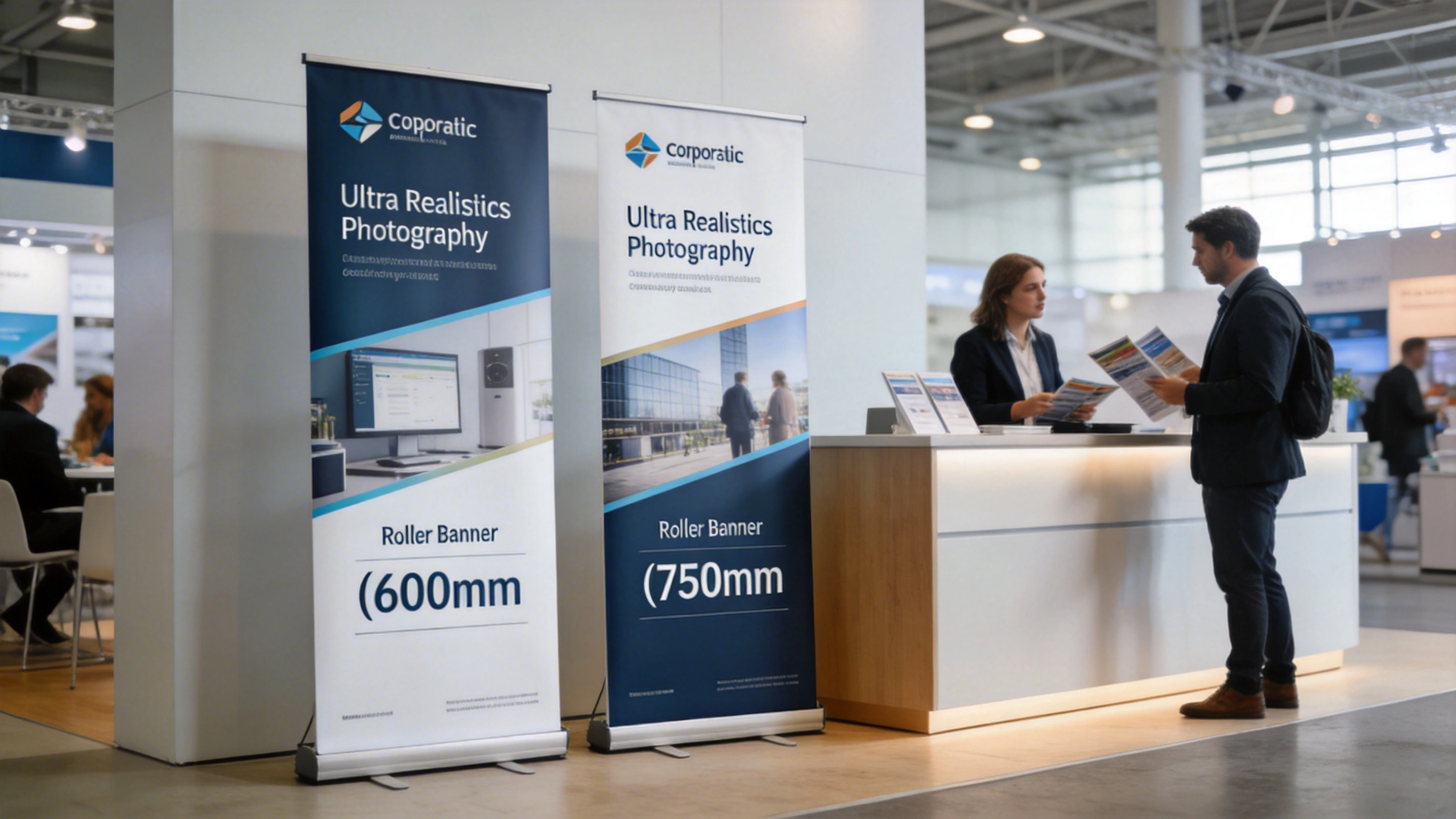
For marketers and agencies, mockups also remove guesswork during approvals. Instead of asking clients to imagine how a 600mm or 850mm roller banner will appear beside reception desks or at trade shows, you can present contextual visuals. Those previews reduce revision rounds, prevent layout mistakes and keep projects on schedule when event dates cannot move.

A well‑chosen roller banner mockup also becomes a reusable asset in pitch decks, social media previews and print proofs. By standardising how you visualise roller banner stand concepts, you create a repeatable workflow that supports consistent branding across campaigns, locations and different banner sizes in your print portfolio.

1
roller banner mockup

What Is a Roller Banner Mockup and Why It Matters for Roller Banner Stand Projects

What Is a Roller Banner Mockup and Why It Matters for Roller Banner Stand Projects

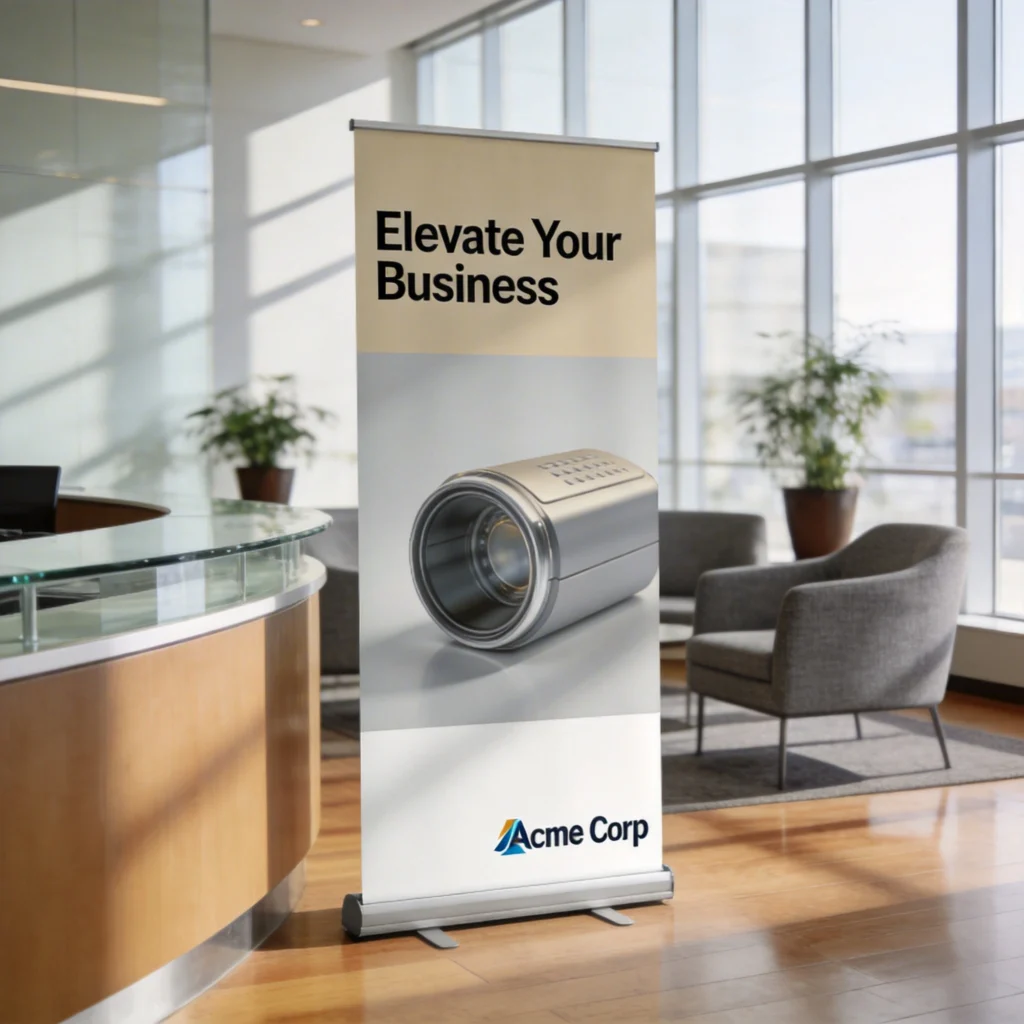
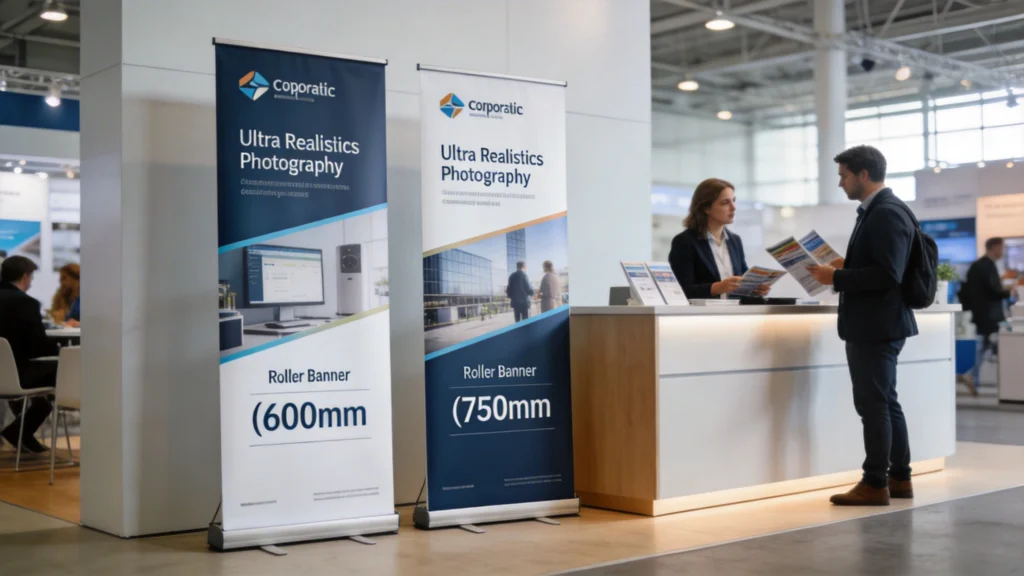
A roller banner mockup like this helps everyone understand how messaging, branding and imagery will actually appear in a real lobby or reception area. By dropping your artwork onto a stand in context, you can quickly judge viewing distance, text hierarchy and visual impact, instead of relying on flat artwork alone.

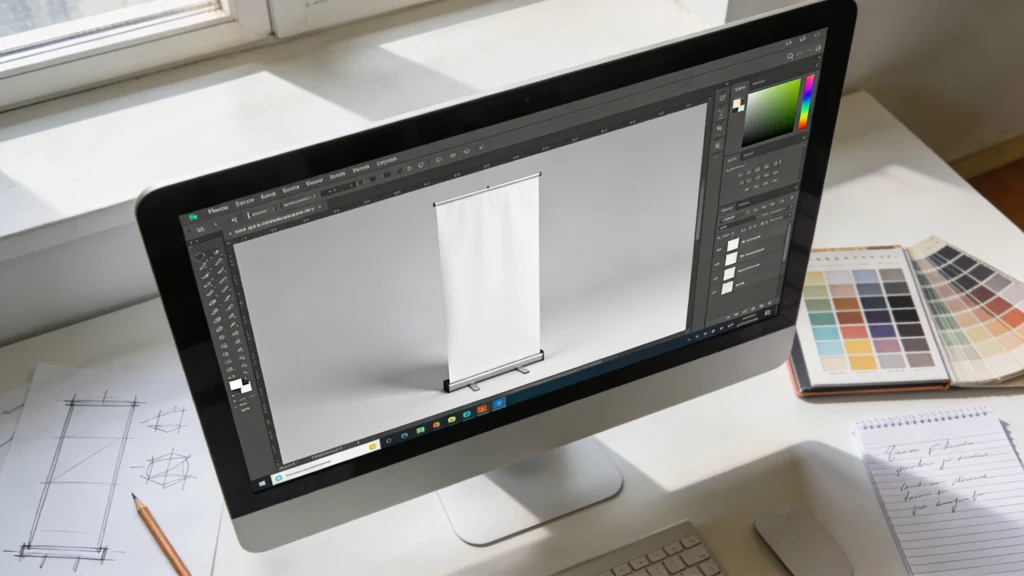
A roller banner mockup is a layered image or 3D render showing a blank roller banner stand, usually at 1:1 or proportional scale. Designers insert artwork into a smart object or clipping mask, which automatically warps the design to match perspective, curl and lighting, simulating how a printed roller banner would look once assembled on site.

Visualising scale and viewing distance

Most roller banners stand around 2000mm tall, with widths between 600mm and 1200mm. On screen, that area shrinks to a few hundred pixels, making hierarchy decisions difficult. A roller banner mockup lets you judge whether a 120pt headline remains readable from three metres and whether body copy at 24pt becomes illegible in real‑world exhibition environments.

Reducing costly print errors

Reprinting a single roller banner can cost another £30–£80 plus delivery, especially for premium anti‑curl substrates. Mockups help catch issues such as logos sitting too close to the cassette, faces cropped by top rails, or clashing colours under warm venue lighting. By testing several variations visually, teams minimise waste and protect tight campaign budgets.

2
roller banner

Types of Roller Banner Mockup Files and Templates Available

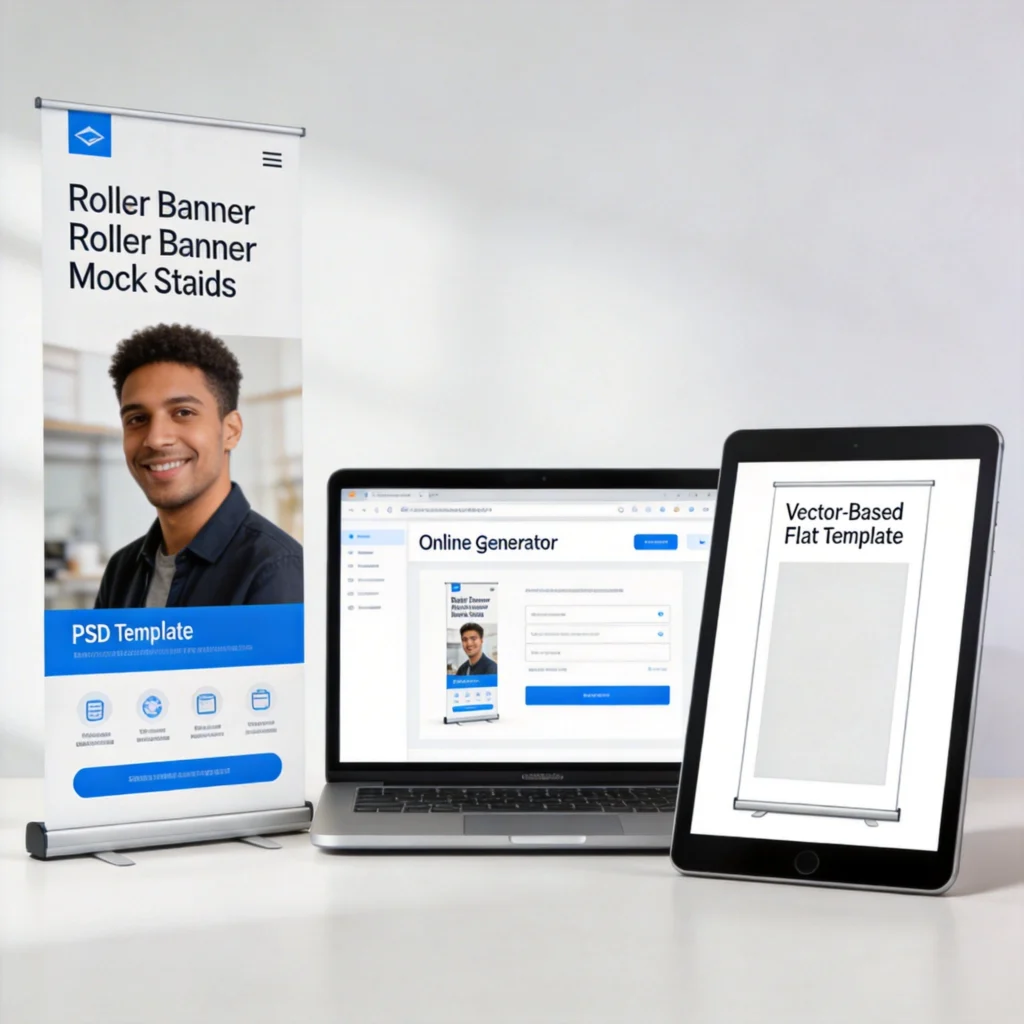
Roller banner mockup files come in several formats, each suited to different workflows, budgets and software skills. Photoshop PSD mockups dominate because they use smart objects and layered shadows, while vector templates in Illustrator or Affinity Designer focus on precise dimensions rather than photorealistic presentation. Online generators offer quick results without installing heavy software.

Types of Roller Banner Mockup Files and Templates Available

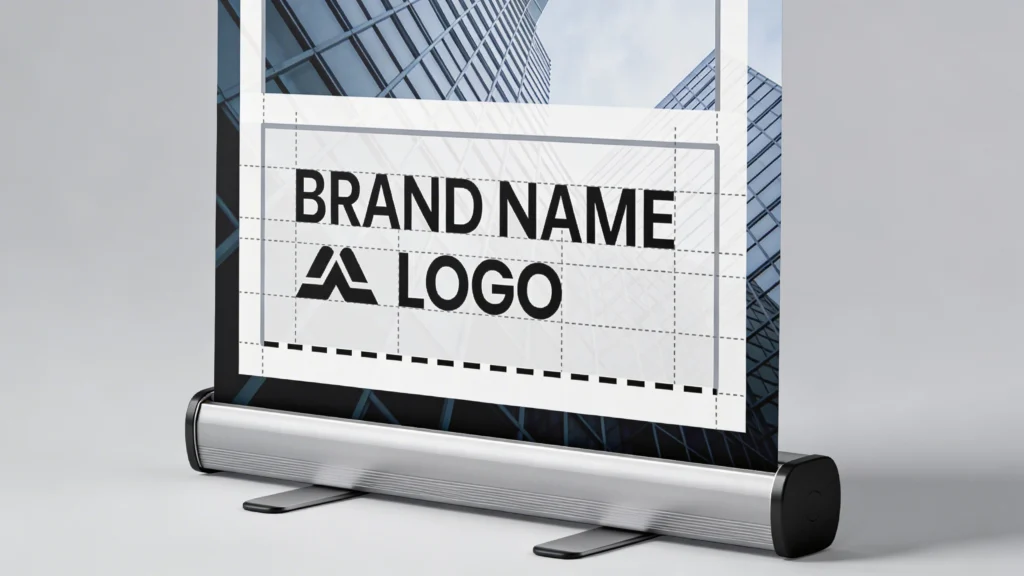
Mockups are especially useful for checking proportions and safe areas on roller banner stands. By overlaying guides for bleed, trim and safety margins, you can confirm that logos, headlines and calls to action won’t be clipped at the cassette or top rail, avoiding costly reprints and last-minute corrections.

Comparing common mockup formats

Understanding format strengths helps you choose the right roller banner mockup for design, proofing or sales pitches. The table below compares typical specifications you will encounter when downloading or purchasing templates from marketplaces or print suppliers, highlighting file size, editability and average price ranges for commercial usage.

Format Typical Use Edit Software Average File Size Typical Price
PSD Smart Object Photorealistic presentations Adobe Photoshop 80–250 MB £5–£18 per set
Vector Template (AI, EPS) Technical layout, dielines Illustrator, Affinity 1–8 MB Often free or £3–£10
Online Mockup Generator Fast previews, non‑designers Browser‑based editors Cloud storage only From £10–£25 monthly
3D Model (OBJ, FBX) Custom scenes, animations Blender, Cinema 4D 15–60 MB £15–£40 per model
Printer PDF Template Exact print dimensions InDesign, Illustrator 0.5–3 MB Free from printers

For day‑to‑day agency work, PSD roller banner mockup files balance realism and speed, especially when they include multiple angles and environments. Vector and printer templates, however, remain essential for final artwork because they define safe areas, bleed and trim precisely, ensuring your approved visual translates accurately into production‑ready roller banner stand files.

3

How to Use a Roller Banner Mockup in Photoshop or Online Tools

How to Use a Roller Banner Mockup in Photoshop or Online Tools

There are many types of roller banner mockup files available, from layered PSD templates to browser-based generators and simple vector layouts. Choosing the right option depends on your tools, skills and deadlines. Flexible formats let teams visualise stands consistently, whether they work in full design suites or lighter online platforms.

Using a roller banner mockup efficiently starts with preparing artwork at the correct ratio, usually 1:1 scale at 100–150dpi for previews. After exporting a flattened JPEG or PNG from Illustrator or InDesign, you can place that file into a Photoshop smart object or upload it to an online generator, which then maps your design to the roller banner area.

Smart object workflow in Photoshop

In a typical PSD roller banner mockup, you double‑click a labelled smart object layer such as “PLACE DESIGN HERE”. Photoshop opens a separate window at full banner dimensions, for example 850mm × 2000mm scaled to pixels. You paste your artwork, align it to guides, save the smart object, then return to the main mockup where perspective, curl and shadows update automatically.

Adjusting lighting, shadows and backgrounds

To sell a roller banner stand concept, customise scene lighting and context. Many premium mockups include separate layers for reflections, ambient shadows and background gradients. Lowering shadow opacity to around 60% can mimic softer studio lighting, while swapping the background for a blurred trade‑show photo instantly shows how colours compete against busy exhibition environments.

4
roller banner stand

Checking Roller Banner Stand Proportions and Safe Areas with Mockups

Beyond aesthetics, a roller banner mockup is a practical tool for validating proportions, safe areas and visual hierarchy. Because roller banners retract into a cassette, around 50–100mm at the bottom often disappears or sits too close to the floor. Mockups help you see whether key elements avoid these zones and whether content breathes across the full 2000mm height.

Checking Roller Banner Stand Proportions and Safe Areas with Mockups

Using Photoshop mockup files, designers can test multiple roller banner concepts quickly. Smart objects allow artwork to be swapped in seconds, so you can experiment with different backgrounds, brand colours and layouts. This workflow is ideal for agencies preparing polished visuals for client presentations or internal approvals.

Using guides to protect critical content

When your mockup includes overlay guides, align headlines, logos and calls to action above the bottom 150mm and below the top 50mm. This compensates for hardware tolerances and slight trimming variations. Comparing several mockups with different guide positions quickly reveals whether your layout remains robust when printed by different roller banner suppliers using varied cassette systems.

Testing hierarchy with real‑world scenarios

Export the roller banner mockup at 1500–2000 pixels high and view it from two to three metres away on a standard 24‑inch monitor. If you struggle to read the main message or website address, font sizes or contrast likely need adjustment. Repeating this test with alternative colourways helps ensure the roller banner still communicates clearly under different venue lighting temperatures.

5

Presenting Roller Banner Mockup Concepts to Clients and Stakeholders

Once the roller banner mockup looks convincing, presentation quality often determines how quickly stakeholders approve designs. Instead of sending raw PSD screenshots, export high‑resolution JPEGs or PDFs and place them into clean presentation layouts. Adding context, annotations and comparison views helps non‑designers understand decisions about hierarchy, spacing and roller banner stand proportions.

Presenting Roller Banner Mockup Concepts to Clients and Stakeholders

Structuring persuasive concept presentations

Organised presentations reduce feedback loops by answering common questions in advance. The following structure works well for most roller banner projects, whether you are presenting to marketing managers, event teams or franchise partners reviewing multiple location‑specific versions of the same roller banner stand design.

  • Start with one hero mockup at full height, showing the roller banner in isolation against a neutral background.
  • Follow with a contextual mockup beside people or furniture, illustrating viewing distance and approximate banner scale.
  • Include a close‑up crop highlighting logo clarity, key message and call‑to‑action readability at typical eye level.
  • Add an annotated version with arrows explaining safe areas, bleed allowance and hardware‑related hidden sections.
  • Finish with 2–3 colour or layout variations, clarifying how each option supports specific campaign objectives.

Export your deck as a PDF between 5MB and 15MB to balance detail and email deliverability. Hosting larger mockup exports on shared drives such as Google Drive or Dropbox lets stakeholders zoom into artwork at 100% scale, confirming that small legal text or sponsor logos remain readable before sign‑off.

6

From Roller Banner Mockup to Print‑Ready Artwork: Final Checks

From Roller Banner Mockup to Print‑Ready Artwork: Final Checks

Moving from an approved roller banner mockup to print‑ready artwork requires more than simply exporting a larger file. Printers expect specific dimensions, bleed and colour settings, typically 850mm × 2000mm plus 3–5mm bleed on each edge, supplied as a CMYK PDF/X‑1a or PDF/X‑4. Skipping these checks risks banding, cropping or colour shifts on the final roller banner stand.

Pre‑flight checks before sending to print

Run a pre‑flight check using Acrobat Pro or InDesign, confirming that resolution stays above 100dpi at full size, with key images ideally 150–200dpi. Convert spot colours to CMYK unless your printer supports them, and flatten transparencies where required. Compare your final PDF against the original roller banner mockup to confirm that margins, logo size and safe areas still visually match.

Coordinating with your roller banner supplier

Download your printer’s specific roller banner template, as cassette models vary slightly in visible height and bottom curl. Some suppliers hide 80mm inside the base, while others expose more. Matching their template ensures the approved design from your mockup translates accurately. Request a digital proof at 25–50% scale, overlaying it on your mockup to double‑check alignment before production.

7

Where to Find Quality Roller Banner Mockup Resources

Finding a reliable roller banner mockup library saves hours across multiple campaigns. Look for files offering high resolutions around 4000–6000 pixels tall, adjustable shadows and multiple angles. Combining a few paid sets with curated free options creates a flexible toolkit, covering minimal studio looks, busy trade‑show scenes and office reception environments for different roller banner stand briefs.

Where to Find Quality Roller Banner Mockup Resources

Recommended marketplaces and free sources

Several platforms specialise in realistic display and roller banner mockups, each with different licensing terms and update frequencies. The table below summarises common options, estimated price points and notable strengths when building a reusable collection for agency or in‑house marketing teams handling frequent roller banner projects.

Source Type Typical Cost Resolution Range Notable Features
Envato Elements Subscription marketplace From £13.50/month 3000–7000 px Unlimited downloads, wide roller banner mockup variety
Creative Market Per‑item marketplace £6–£25 per set 3500–6000 px Curated premium sets, detailed lighting controls
Freepik Freemium library Free with attribution 2500–5000 px Large selection, mixed quality across contributors
GraphicBurger Free resources Free 2500–4500 px Hand‑picked PSDs, simple licensing
Printer Websites Templates, some mockups Free Template‑based Accurate dimensions matched to specific banner hardware

When downloading, always check licence terms for commercial use, especially on free platforms requiring attribution. Maintain a shared folder structure by size, orientation and environment type, so your team can quickly locate the right roller banner mockup when deadlines are tight. Over time, building this library significantly accelerates design, approval and sales processes for every new roller banner stand campaign.

Cart